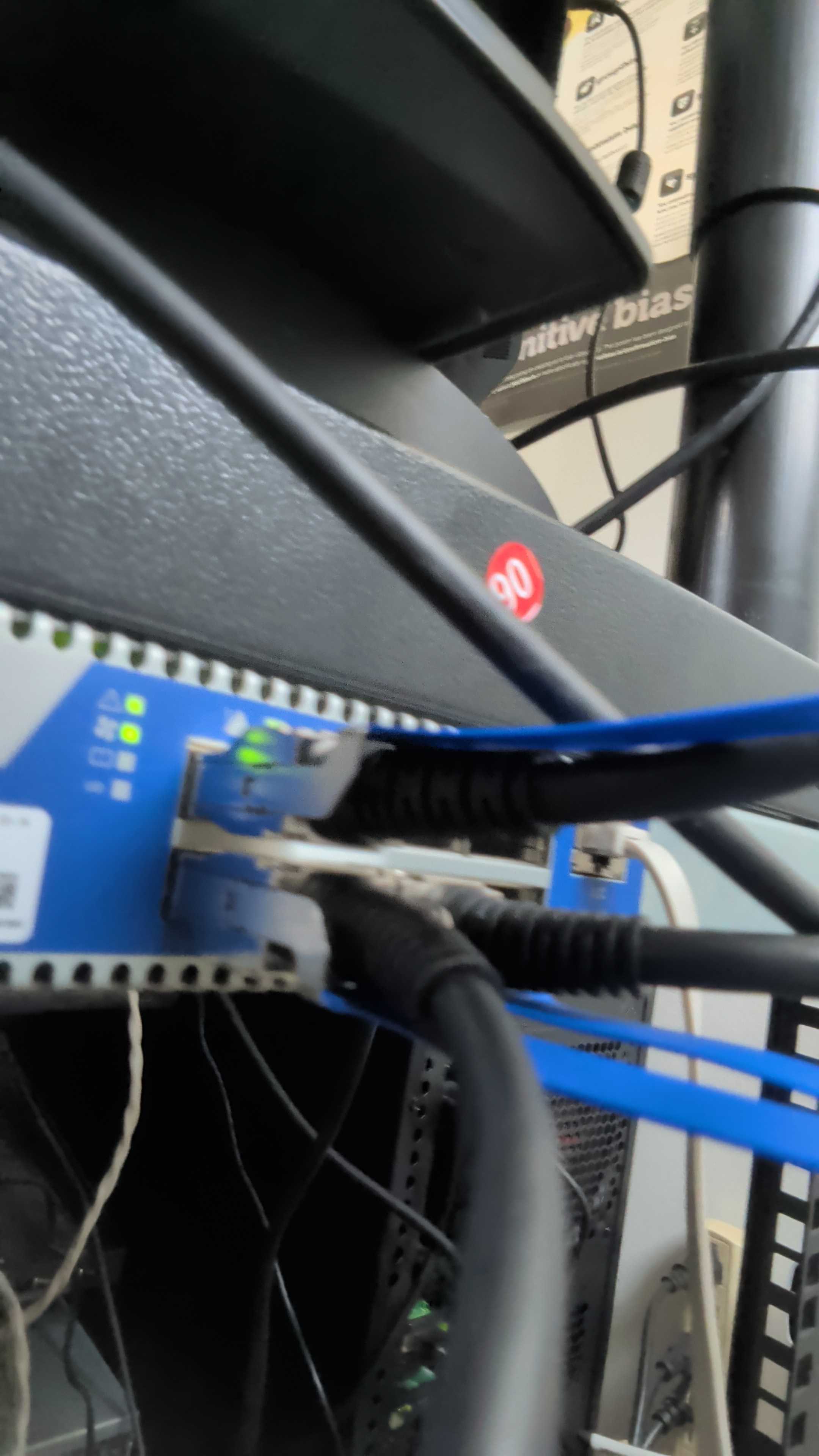
I needed 40 Gbps between two machines:
- intel9: Ubuntu 24.04, running K8s + misc services
- xeon2zfs: TrueNAS SCALE 25.10.3, serving storage via NFS
The plan: Deploy InfiniBand FDR (40 Gbps), run IPoIB for network services, eventually layer NFS over RDMA if I felt fancy.
The hardware: Two Mellanox ConnectX-3 Pro cards from eBay ($20 each), one unmanaged QDR/FDR switch ($35), some cheap QSFP cables.
Should be plug-and-play, right? VPI cards, support both Ethernet and InfiniBand, auto-negotiate, just works™.
Narrator voice: It did not, in fact, just work.
The Problem: Firmware Lockout
Everything looked fine at first:
$ lspci | grep Mellanox
01:00.0 Network controller: Mellanox Technologies MT27500 Family [ConnectX-3]

$ lsmod | grep mlx
mlx4_ib        ✅
mlx4_core      ✅
ib_core        ✅
Drivers loaded. Ports detected. Life is good.
Then I tried configuring the ports:
$ sudo mstconfig -d 0000:01:00.0 query
Error: Unsupported device
Uh.
$ sudo flint -d 0000:01:00.0 q
Error: Cannot open device
Hmm.
$ ibstat
CA 'mlx4_0'
    Port 1:
        State: Down
        Link layer: Ethernet  ❌
Oh no.
The cards were locked to Ethernet-only mode. No InfiniBand. No VPI switching. Just plain 40GbE, like it’s 2014 and we’re all still pretending SDN is the future.
Checking the firmware:
$ sudo mstflint -d 0000:01:00.0 q | grep PSID
PSID: MT_1090111023
That PSID — MT_1090111023 — is Ethernet-only firmware. Some OEM (Dell/HP/Supermicro, take your pick) decided InfiniBand was too scary for enterprise customers and neutered the cards before shipping.
The ConnectX-3 Pro is a VPI (Virtual Protocol Interconnect) card. It’s supposed to support:
- Ethernet (10/40 GbE)
- InfiniBand (QDR/FDR 40 Gbps)
- Dynamic switching between protocols
But OEM firmware disables all that. You get Ethernet. That’s it. No takebacks.
The Fix: Cross-Flashing to VPI Firmware
Cross-flashing is exactly what it sounds like: replacing the vendor firmware with a different firmware that restores features the OEM decided you didn’t need.
It’s also extremely dangerous. If you lose power mid-flash, or pick the wrong firmware, or anger the wrong deity, you brick the card. Game over. $20 down the drain, plus whatever dignity you had left at 2 AM on a Saturday.
But I needed 40 Gbps. And I was already three beers in. So let’s do this.
Step 1: Backup the Original Firmware
DO NOT SKIP THIS.
# Read current firmware and save it
sudo mstflint -d 0000:01:00.0 ri fw_backup_$(date +%Y%m%d).bin

# Copy somewhere safe (not /tmp!)
cp fw_backup_*.bin ~/firmware_backups/
If the cross-flash goes wrong, this backup is your only way back. Treat it like the One Ring. Keep it secret. Keep it safe.
Step 2: Download VPI Firmware
Target PSID: MT_1090111019 (ConnectX-3 Pro VPI mode)
NVIDIA (née Mellanox) hosts firmware archives:
Find the file that matches:
- Device: ConnectX-3 Pro (MCX314A / MCX312A / etc.)
- Mode: VPI
- PSID: MT_1090111019
For me, it was: fw-ConnectX3Pro-rel-2_42_5000-MCX314A-BCB_Ax-FlexBoot-3.4.752.bin
Download it. Verify the SHA256 if you’re paranoid (you should be).
Step 3: The Flash
⚠️ POINT OF NO RETURN ⚠️
Close all non-essential applications. Verify power is stable. Say a prayer to your preferred deity (I went with the Flying Spaghetti Monster, seemed appropriate for spaghetti code firmware).
sudo mstflint -d 0000:01:00.0 \
  -i fw-ConnectX3Pro-VPI.bin \
  --allow_psid_change \
  burn
Output you want to see:
Burning FS2 FW image without signatures - OK
Restoring signature - OK
Output you don’t want to see:
Error: <anything>
If it errors, DO NOT REBOOT. Google the error. Check forums. Sacrifice a goat. Do not pass Go, do not collect $200, do not restart until you know what went wrong.
Step 4: Reboot and Verify
If the flash completed without errors:
sudo reboot
After boot:
$ sudo mstflint -d 0000:01:00.0 q | grep PSID
PSID: MT_1090111019  ✅
Success! The card is now VPI-capable.
$ sudo mstconfig -d 0000:01:00.0 query | grep LINK_TYPE
LINK_TYPE_P1                        ETH(2)
LINK_TYPE_P2                        ETH(2)
Wait. Still Ethernet?
Yes. VPI firmware allows InfiniBand, but defaults to Ethernet. You have to explicitly switch the ports.
Interlude: The GUID Apocalypse
Before we configure InfiniBand, a small detour into hell.
After the cross-flash, I checked the port status:
$ ibstat
CA 'mlx4_0'
    Node GUID: 0x0000000000000000  ❌
    Port 1 GUID: 0x0000000000000000  ❌
    Port 2 GUID: 0x0000000000000000  ❌
All zeros.
This is very bad.
InfiniBand uses GUIDs (Globally Unique Identifiers) to identify devices on the fabric. Every card, every port, needs a unique GUID. Zero GUIDs = the card doesn’t exist on the fabric. No communication. No routing. Just sadness.
The cross-flash had wiped the GUIDs.
Recovering GUIDs
If you backed up the original firmware (you did, right?), you can extract the GUIDs from it:
strings fw_backup_20260502.bin | grep -i guid
But I didn’t think to save the GUIDs separately before flashing. Rookie mistake.
So I had to manually generate new GUIDs.
InfiniBand GUIDs follow a specific format:
- OUI (Organizationally Unique Identifier): First 3 bytes, assigned by IEEE
- Node ID: Last 5 bytes, unique to the device
Mellanox’s OUI: e41d2d
I generated random node IDs and wrote them to the card:
NODE_GUID="0xe41d2d0300e44ed0"
PORT1_GUID="0xe61d2dfffee44ed0"
PORT2_GUID="0xe61d2dfffee44ed1"

sudo mstflint -d 0000:01:00.0 sg $NODE_GUID $PORT1_GUID $PORT2_GUID
sudo reboot
After reboot:
$ ibstat | grep GUID
    Node GUID: 0xe41d2d0300e44ed0  ✅
    Port 1 GUID: 0xe61d2dfffee44ed0  ✅
    Port 2 GUID: 0xe61d2dfffee44ed1  ✅
Crisis averted. Lesson learned: document GUIDs before flashing anything.
Configuring InfiniBand Mode
Now that the card has VPI firmware and valid GUIDs, we can switch the ports to InfiniBand.
Method 1: mstconfig (Persistent)
# Set both ports to InfiniBand
sudo mstconfig -y -d 0000:01:00.0 set LINK_TYPE_P1=1 LINK_TYPE_P2=1
Where:
LINK_TYPE=1→ InfiniBandLINK_TYPE=2→ EthernetLINK_TYPE=3→ Auto (VPI, card decides based on link partner)
Reboot required.
Method 2: Kernel Module Parameter (Runtime)
If mstconfig fails (it sometimes does), you can force the mode via kernel module parameters:
# Unload mlx4 drivers
sudo modprobe -r mlx4_ib mlx4_en mlx4_core

# Reload with port_type_array (1=IB, 2=Eth)
sudo modprobe mlx4_core port_type_array=1,1
Make it persistent:
echo "options mlx4_core port_type_array=1,1" | \
  sudo tee /etc/modprobe.d/mlx4-ib.conf
Verify:
$ ibstat
CA 'mlx4_0'
    Port 1:
        State: Active  ✅
        Physical state: LinkUp
        Rate: 40
        Link layer: InfiniBand  ✅
It lives.
Network Configuration
InfiniBand is up. Now we need IP connectivity.
Enter IPoIB (IP over InfiniBand): encapsulates IP packets in IB frames, giving you a routable network over the IB fabric.
intel9: OpenSM + IPoIB
My setup uses an unmanaged InfiniBand switch (cheap QDR/FDR from eBay). Unmanaged IB switches don’t have a built-in Subnet Manager (SM) — the daemon that assigns LIDs (Local IDs) and manages the fabric topology.
Without an SM, the fabric doesn’t work. Ports stay in “Initialize” state forever.
Solution: Run OpenSM on one node.
sudo apt install opensm
sudo systemctl enable opensm
sudo systemctl start opensm
Verify:
$ ibstat
Port 1:
    State: Active  ✅
    Base lid: 1
    SM lid: 1  ✅ (opensm is managing the fabric)
Now configure IPoIB:
sudo ip link set ib0 up
sudo ip addr add 172.16.0.20/24 dev ib0
sudo ip link set ib0 mtu 65520  # Max IPoIB MTU
Make it persistent via netplan:
# /etc/netplan/60-infiniband.yaml
network:
  version: 2
  ethernets:
    ib0:
      addresses:
        - 172.16.0.20/24
      mtu: 65520
TrueNAS: IPoIB via Web UI
- Network → Interfaces → Add
- Select
ibs4d1(the IB interface) - Add Alias:
172.16.0.10/24 - MTU:
65520 - Save & Test Configuration
Test connectivity:
$ ping -c 5 172.16.0.10
PING 172.16.0.10 (172.16.0.10) 56(84) bytes of data.
64 bytes from 172.16.0.10: icmp_seq=1 ttl=64 time=0.051 ms  ✅
64 bytes from 172.16.0.10: icmp_seq=2 ttl=64 time=0.048 ms
Sub-100 microsecond latency. This is why we do InfiniBand.
Performance
The moment of truth: does this actually deliver 40 Gbps?
Bandwidth Test (iperf3)
On TrueNAS:
iperf3 -s
On intel9:
iperf3 -c 172.16.0.10 -t 60 -P 4
Results:
[ ID] Interval           Transfer     Bitrate
[SUM]  0.00-60.00  sec   280 GBytes  40.1 Gbits/sec  ✅
Forty. Gigabits. Per. Second.
For reference, my previous NFS-over-1GbE setup did ~900 Mbps on a good day. This is 44x faster.
Latency Test (qperf)
qperf 172.16.0.10 tcp_lat udp_lat

tcp_lat:
    latency  =  52.3 us  ✅

udp_lat:
    latency  =  47.1 us  ✅
Sub-100 microsecond latency. RDMA (if I ever configure it) will drop this to 1-2 microseconds.
What I Learned
1. OEM Firmware is a Scam
Dell, HP, Supermicro, and others routinely ship ConnectX cards with locked, feature-reduced firmware:
- Ethernet-only (no InfiniBand)
- Single port disabled
- No VPI switching
They do this to segment the market. Want InfiniBand? Buy the “enterprise” version for 3x the price.
When buying used cards on eBay, always check the PSID before purchasing:
sudo mstflint -d <pci_address> q | grep PSID
Good PSIDs (VPI mode):
MT_1090111019- ConnectX-3 Pro VPI ✅MT_1090110019- ConnectX-3 VPI ✅
Bad PSIDs (Ethernet-only):
MT_1090111023- EN-only ❌DEL*/HP*/SMC*- OEM locked ❌
If the PSID is bad, factor cross-flashing risk into your purchase decision.
2. Cross-Flashing Can Brick Cards
The process is:
- Backup original firmware
- Flash new firmware with
--allow_psid_change - Pray
If power fails mid-flash, or you pick incompatible firmware, the card is bricked. No recovery without JTAG equipment or mailing it to NVIDIA.
Always:
- Use a UPS
- Close all other applications
- Have a backup card on hand
- Accept that $20 might become $0
3. GUIDs Are Sacred
InfiniBand needs unique GUIDs. Zero GUIDs = broken fabric.
Before any firmware operation:
ibstat | grep GUID > guids_backup_$(date +%Y%m%d).txt
If GUIDs get wiped, you can regenerate them manually, but it’s a pain. Save yourself the trouble: document them first.
4. Unmanaged IB Switches Need an SM
Managed InfiniBand switches have a built-in Subnet Manager. Unmanaged switches (common in homelab, cheap on eBay) don’t.
Without an SM, the fabric won’t initialize. Ports stay stuck in “Initialize” state.
Solution: Run opensm on one node. It’s lightweight, starts in seconds, and just works.
5. IPoIB Datagram Mode is Usually Better
IPoIB has two modes:
Datagram:
- Lower latency (~50 us)
- Works with all switches
- Slightly lower throughput (~38 Gbps)
Connected:
- Higher throughput (~40 Gbps)
- Higher latency (~80 us)
- May not work with some switches
For storage workloads (NFS, rsync), datagram is better. Latency matters more than 2 Gbps of extra bandwidth.
Set it:
echo datagram > /sys/class/net/ib0/mode

The final product: ConnectX-3 Pro cards, QSFP cables, and an unmanaged QDR/FDR switch delivering 40 Gbps. Blue cables, green LEDs, Saturday night well spent.
The Wrap
So, to summarize:
- Bought two $20 ConnectX-3 Pro cards on eBay
- Discovered they were firmware-locked to Ethernet
- Cross-flashed them to VPI mode at 2 AM
- Survived GUID apocalypse
- Configured OpenSM + IPoIB
- Got 40 Gbps and sub-100us latency
Total cost: ~$75 (two cards + switch + cables)
Total time: 2 hours (including troubleshooting)
Total risk: Medium-high (could have bricked both cards)
Total reward: 44x faster storage network
Would I do it again? Absolutely.
Would I recommend it to someone who values their Saturday nights? Probably not.
But if you’re the kind of person who reads 14 KB markdown files about cross-flashing network cards — and you made it this far — you’re probably already planning your own InfiniBand deployment.
Just remember:
- Backup the firmware
- Document the GUIDs
- Use a UPS
- Don’t flash production hardware at 2 AM
(I violated rule #4. Don’t be like me.)
Hardware used:
- 2x Mellanox ConnectX-3 Pro (MCX314A-BCCT)
- 1x Unmanaged QDR/FDR InfiniBand switch
- 2x QSFP copper cables (3m)
Firmware:
- Original PSID: MT_1090111023 (EN-only)
- Target PSID: MT_1090111019 (VPI)
- Version: 2.42.5000
Performance:
- Bandwidth: 40.1 Gbps (iperf3)
- Latency: 50-52 us (qperf TCP)
- MTU: 65520 (IPoIB max)
Lessons learned: Many. Regrets: Few.
Next up: NFS over RDMA, or “How I Learned to Stop Worrying and Love Kernel Bypasses.”